Fast home internet is now available in much of Grenada, but what you can get depends heavily on exactly where you live. Two houses a few hundred metres apart can have very different options, because fibre has been rolled out community by community. Before signing a lease or buying a property, checking which services reach that address is as important as checking the water supply.
This guide explains the main types of home internet in Grenada, who provides them, how installation works, and what remote workers in particular should set up. Plans, speeds and prices change frequently, so confirm current offers directly with the providers.
The main options
Fibre to the home. Both Flow and Digicel (through its Digicel+ home service) offer fibre broadband in selected communities, with top tiers advertised at speeds of up to around 1 Gbps. Fibre is the most reliable and fastest option where available, and upload speeds are much better than on older technologies.
Cable and older fixed lines. In some areas, Flow still provides internet over its older cable or copper network. Speeds are lower, especially for uploads, but it can be adequate for browsing and streaming.
Fixed wireless. Some areas are served by fixed wireless, where an antenna on the house links to a nearby tower. Flow used this approach on Carriacou and Petite Martinique after Hurricane Beryl while rebuilding its network, with advertised speeds of up to about 100 Mbps download.
Mobile broadband. A 4G router or phone hotspot using a Digicel or Flow data plan can serve a small household or work as a backup. Performance depends on signal at your location and data caps.
Satellite. Low-earth-orbit satellite services have expanded across the Caribbean. Whether a given service is licensed and sold in Grenada can change, so check the provider's availability and confirm with the NTRC before buying equipment.
How to find out what reaches your address
Grenada does not use street addresses and postcodes in the way many countries do. Locations are usually described by village or district, parish and a nearby landmark. When you ask a provider whether service is available, give as much detail as possible, and if you can, share a location pin from your phone.
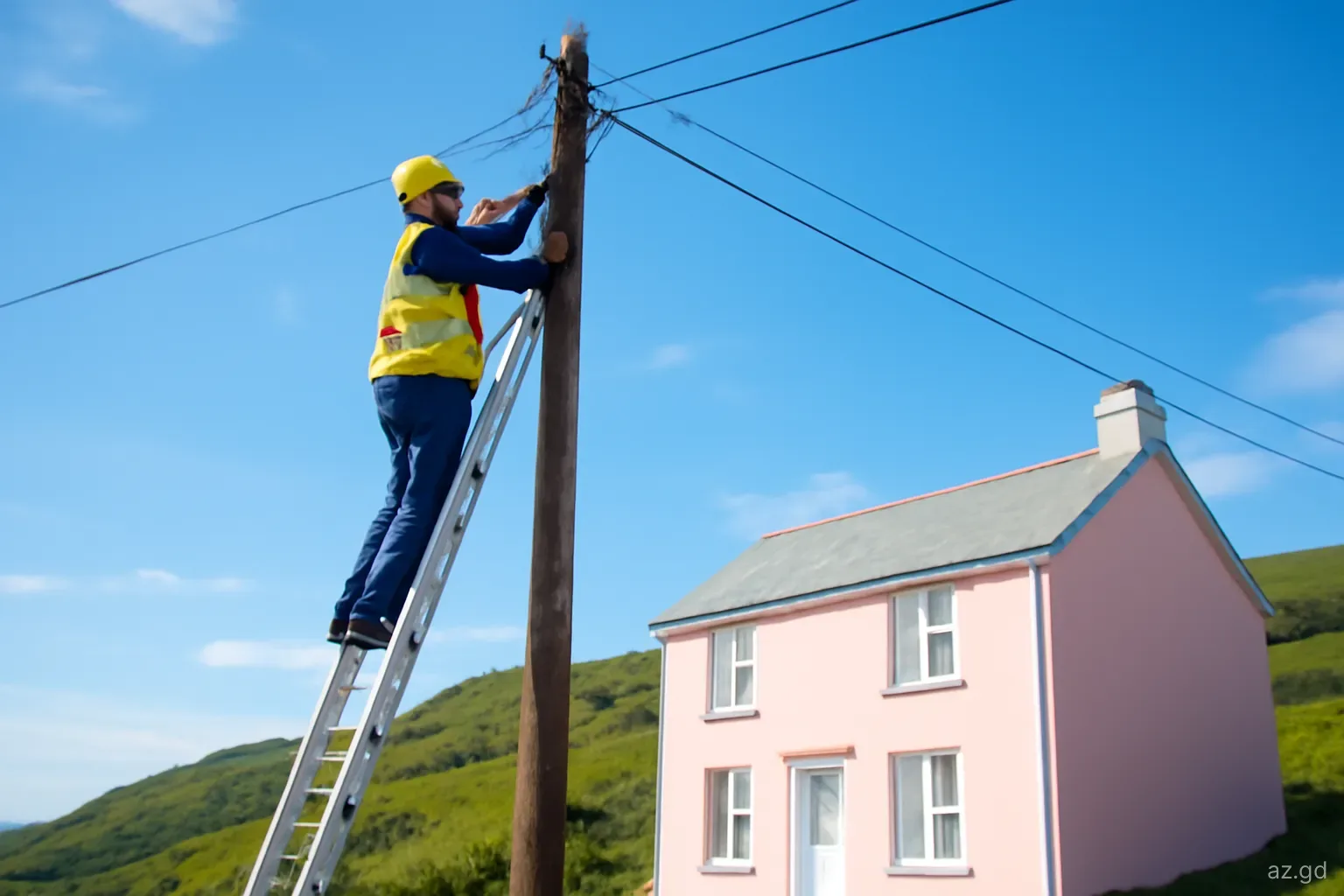
The most reliable checks are practical. Ask the landlord or seller which provider the property currently uses and whether there is an existing fibre connection or box on the wall. Look for fibre cables or termination boxes on nearby poles. Ask neighbours which service they use and how it performs. Then contact both providers, in store or online, with the location details.
If you are renting, ask whether the internet is included in the rent and in whose name the account is held. In short-term and furnished rentals the landlord often keeps the account; in long-term rentals tenants often open their own.
If you are buying, remember that the previous owner's account will be closed when they leave. Ask the provider whether an existing connection can be transferred to your name, which is usually quicker than a fresh installation, and schedule it so that you are not without internet in the first weeks after moving in. For new builds, ask the providers early whether a line can be run to the plot and at what cost, as this can take time where poles or ducts need extending.
Getting connected: the usual process
The steps are broadly similar with both providers, though details vary.
- Choose a plan, either in store or online, and confirm that service is available at your location.
- Provide identification, such as a passport for non-nationals or a Grenadian ID, plus details of the property. Some providers ask for proof of address, a letter from the landlord or a deposit, particularly for non-nationals.
- Agree the contract terms. Check the minimum term, early cancellation fees, installation charges and whether equipment such as the router is rented or included.
- Book an installation appointment. Waiting times range from a few days to a few weeks, depending on demand and whether new cabling is needed.
- Be at the property for the installation. Decide in advance where you want the router, ideally in a central position, and check that there is a power socket nearby.
- Test speeds after installation, including upload speed, and raise any problems before the technician leaves if possible.
Advice for remote workers
Choose fibre if you can. For video calls, large uploads and reliable work days, fibre makes the biggest difference. Ask providers specifically about upload speeds.
Have a backup. Keep a mobile data plan with generous data on your phone, ideally on the other network from your home internet, so an outage on one does not cut you off entirely.
Protect against power cuts. A small uninterruptible power supply (UPS) for the router and fibre terminal keeps you online through short power interruptions, which are common during storms.
Mind the heat. Routers and modems run hot in a tropical climate. Keep them in a ventilated spot out of direct sun, and use surge protection.
Know the support routes. Note how to report faults to your provider through the app, by phone or in store, and keep your account number handy.
What home internet costs
Prices depend on speed, technology and whether internet is bundled with TV or mobile service. As a rough guide, entry-level home internet plans have generally cost somewhere around EC$100 to EC$200 a month, while the fastest fibre tiers can cost several hundred Eastern Caribbean dollars a month. Taxes are added on top. Providers run frequent promotions, so compare current offers, and ask what the price will be after any introductory period ends.
Installation fees, equipment rental and deposits may apply, particularly for non-nationals or customers without a local credit history. Ask for the full cost of the first month, not just the monthly price.
For short stays, a mobile data plan or the wifi included with a rental is often more cost-effective than opening a home internet account with a minimum term.
TV, streaming and bundles
Both providers sell bundles that combine home internet with pay TV and, in some cases, a landline or mobile service. Bundles can lower the overall price and simplify billing, but they can also lock you into a contract for services you do not use. Many households now rely on streaming services over home internet instead of pay TV.
Not every international streaming service offers the same catalogue in Grenada as in the United States or the UK, and some may not be available at all. Check availability before subscribing. Local news, sport and cultural programming, including cricket and carnival coverage, is often shown on local channels included in pay TV packages, which is one reason some households keep TV in their bundle.
A fast connection with good upload speed matters for households with several people streaming or video calling at once.
Common pitfalls
Most frustrations with home internet in Grenada come from a handful of avoidable problems:
- Signing a lease or buying a house without checking whether fibre reaches it.
- Agreeing to a long contract without reading the early termination terms, then needing to move.
- Placing the router in a corner of a concrete house, which leaves bedrooms or outdoor spaces without wifi. A mesh system or extra access point can fix this.
- Not keeping receipts or reference numbers when reporting faults, which makes follow-up harder.
- Buying satellite equipment abroad without confirming that the service is available and permitted in Grenada.
- Forgetting that storms can damage lines and poles. In hurricane season, restoration of home internet can take days or longer after a severe storm, so a mobile backup matters.
Frequently asked questions
Is fibre internet available in Grenada?
Yes. Both Flow and Digicel offer fibre to the home in selected communities, with top tiers advertised at speeds up to around 1 Gbps. Availability depends on the exact location, so check with both providers for your address.
How long does internet installation take in Grenada?
It varies from a few days to a few weeks, depending on demand, the provider and whether new cabling is needed. Contact providers as soon as you have confirmed your address, and ask for an estimated installation date.
Is Grenada internet good enough for remote work?
Where fibre is available, internet is generally good enough for video calls and remote work. Elsewhere, speeds and reliability vary. Remote workers should check upload speeds and keep a mobile data backup on the other network.
Is Starlink available in Grenada?
Satellite internet availability and licensing can change. Check the provider's current availability information for Grenada and confirm with the National Telecommunications Regulatory Commission before buying any equipment.
What internet is available on Carriacou?
Flow and Digicel both serve Carriacou. After Hurricane Beryl in 2024, Flow used fixed wireless while it rebuilt and extended fibre. Ask both providers what currently reaches your location, as the network has changed since the storm.
Do you need a contract for home internet in Grenada?
Many home internet plans come with a minimum term and conditions. Read the terms carefully, especially early cancellation fees and equipment charges, before signing, and ask whether shorter-term or no-contract options are available.